Rooms and capacity
Organise room types, guest capacity, beds, amenities and supplied photographs. Make differences between room types easy to compare.
Hotel websites
Help local and international guests compare your hotel in Vietnam: show rooms, location and stay conditions before they contact your reservations team.
Rooms · Amenities · Location
SAMPLE ROOM
Choose a roomAwaiting review
An enquiry ≠ a confirmed room
Build room, amenity and policy pages with an enquiry flow for your reservations team. Live availability, room holds, payments and property-management connections are assessed and quoted separately.
AT A GLANCE
Present rooms clearly and send useful enquiries to the reservations team.
Rooms
Make the differences between room options easy to understand.
Organise room types, guest capacity, beds, amenities and supplied photographs. Make differences between room types easy to compare.
Explain directions, the surrounding area and services actually available. Content and photos should represent the property accurately; approve each language separately.
Agree how to show rates, supplements, check-in and check-out times, and change or cancellation terms. Assign someone to update them when policies change.
AN IMPLEMENTATION EXAMPLE
A sample room page and the steps your reservations team follows after an enquiry.
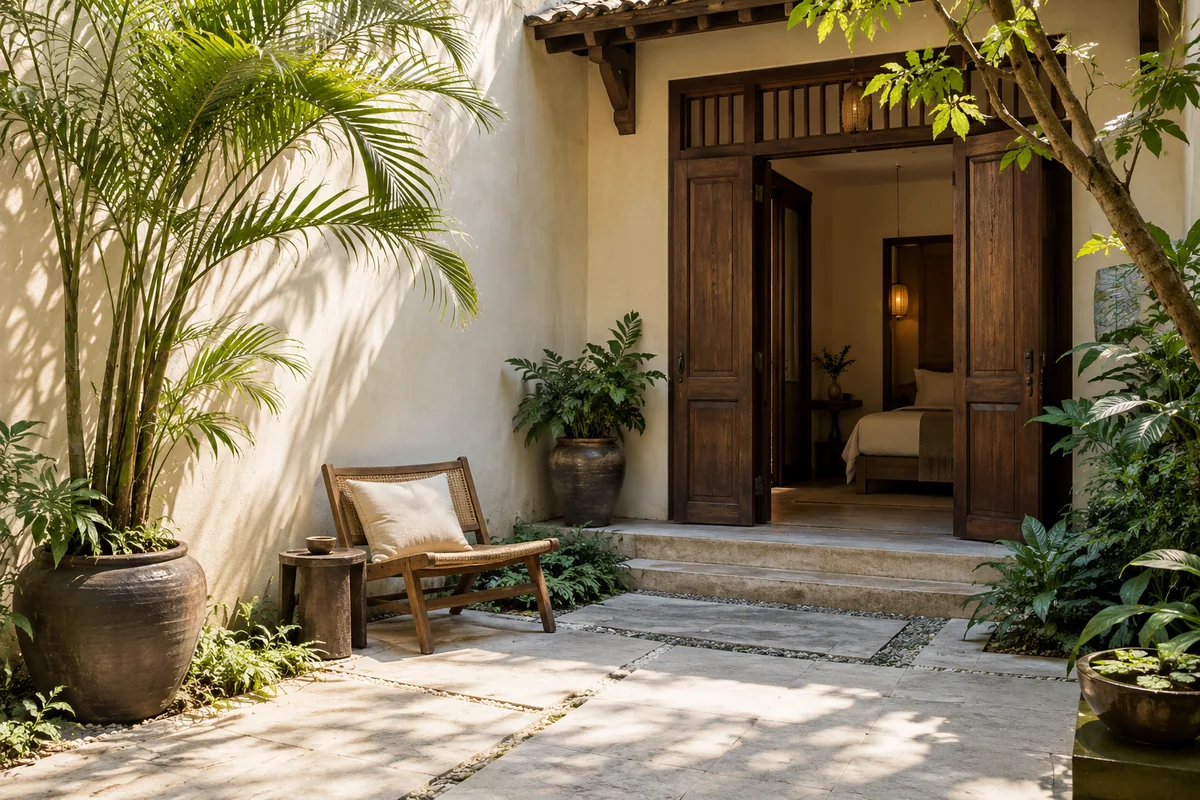
A place for hotel-supplied room photographs and details.
FROM INTEREST TO CONFIRMATION
Acknowledge receipt and route it to reservations.
Staff check rooms, rates and conditions.
The hotel responds through its agreed process.
A static example; no enquiries or bookings are submitted.
Reservations
Receiving a request and confirming a room are separate steps.
The agreed flow can collect arrival, departure, party size and preferred room. Route it to the responsible team and show errors when submission fails.
Acknowledging an enquiry does not reserve a room. Staff check availability, rates and conditions before confirming.
Review existing booking or property-management software before proposing integration. Availability, rate and payment connections need separate costs, testing and responsibilities.
Operation
Identify content owners and any additional functionality.
Agree who updates photos, amenities, policies and rates. If staff need to edit the website themselves, define the administration tools and their cost in the proposal.
Test images, room choices, links and forms with sample data. For a replacement site, record URLs to retain or redirect.
The quote reflects page count, room types, content and the update process. Additional languages, rate calendars, direct booking and system connections are scoped separately.
HOW WE WORK
Review rooms, supplied content and how the team handles enquiries.
Agree layouts, photos, policies and confirmation steps.
Check layouts and the agreed enquiry flow.
Provide access, update guidance and monitoring responsibilities.
PRICED BY SCOPE
Send your requirements and sample material so we can define a suitable scope.
Request a quoteFAQ
A few useful answers to help define the right scope.
Not by default. A form receives enquiries; automatic confirmation needs checked availability, pricing, room-hold rules and failure handling.
We review documentation, access and features first. Integration is confirmed only after technical feasibility and supplier conditions are checked.
Yes, as an agreed addition. Define the Vietnamese and English pages, translations and reviewers, including room details, stay terms and enquiry messages. Agree who keeps both versions current; translation is quoted separately from website language setup.
Room details, authorised photos, amenities, location, policies and the enquiry recipient. Share the name of any booking software.
Not automatically. Basic presentation and direct booking are separated. Platform, payment-provider, hosting and maintenance costs are listed where needed.
Hotel websites
Share your goals, available material and preferred timing. We will clarify the work, deliverables and cost.